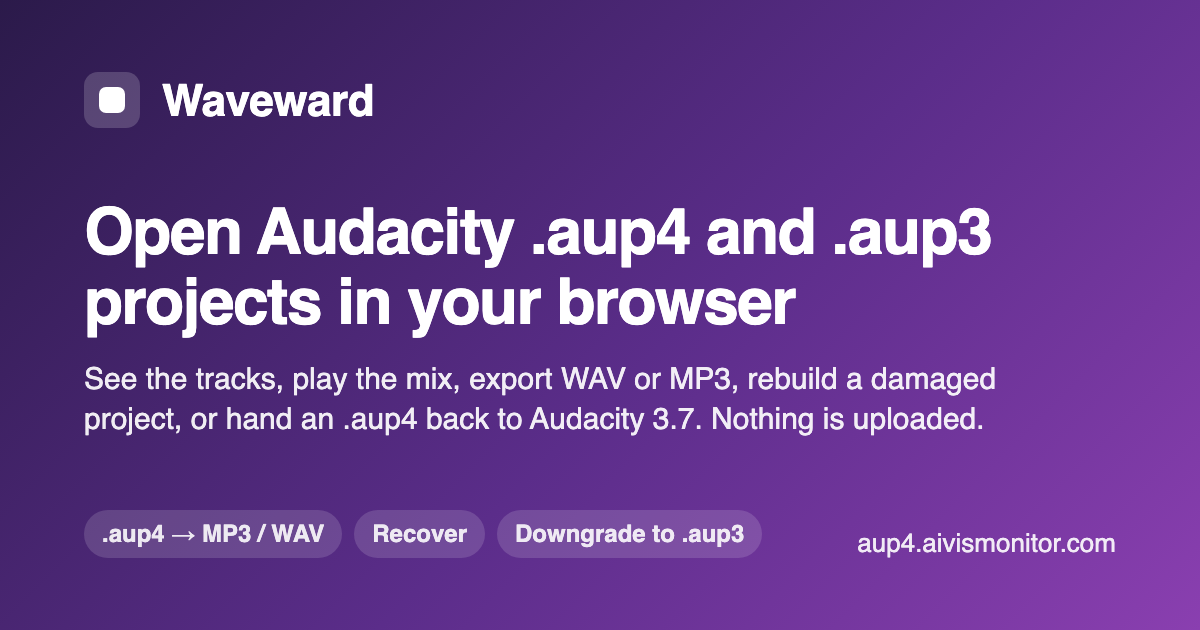

What is Waveward
Waveward reads Audacity project files directly in the browser. An .aup3 or .aup4 is an SQLite database, so nothing but Audacity itself normally opens one; Waveward parses it locally (SQLite compiled to WebAssembly, running in a Web Worker) and the project never leaves the machine.
What it does: shows every track and clip with its facts, plays the stereo mix, exports the mix to WAV (16-bit or 32-bit float) or MP3, runs a full integrity and recovery report on a project Audacity refuses to open (the error 11 and error 101 cases, and unsaved .aup3unsaved / .aup4unsaved working copies after a crash), rebuilds a damaged project into a file Audacity opens, rolls back to an earlier save that Audacity 4 keeps inside the file, downgrades an .aup4 so someone still on Audacity 3.7 can open it, and exports per-track or per-clip stems.
Free: open, inspect, play and export the stereo mix, and the full recovery report. Pro (one-time $19 license): rebuild, roll back, downgrade, stems, and projects over 256 MB.
Works on macOS, Windows, Linux and ChromeOS in a current Chrome, Edge, Firefox or Safari. Not affiliated with Audacity or Muse Group.
Who is using Waveward
Podcast producers and editors who are handed an Audacity project (.aup3, or the new .aup4 from Audacity 4) and need the audio out of it — on a machine without Audacity, on a Mac or Chromebook, or when the project no longer opens.
Waveward Pricing
Freemium
Pricing details may change. Check the official website for the latest information.
Reviews & Ratings
★★★★★ 0.0 • (0)Share Your Experience
No Reviews Yet
Be the first to share your experience with this tool