
What is Clipwhit
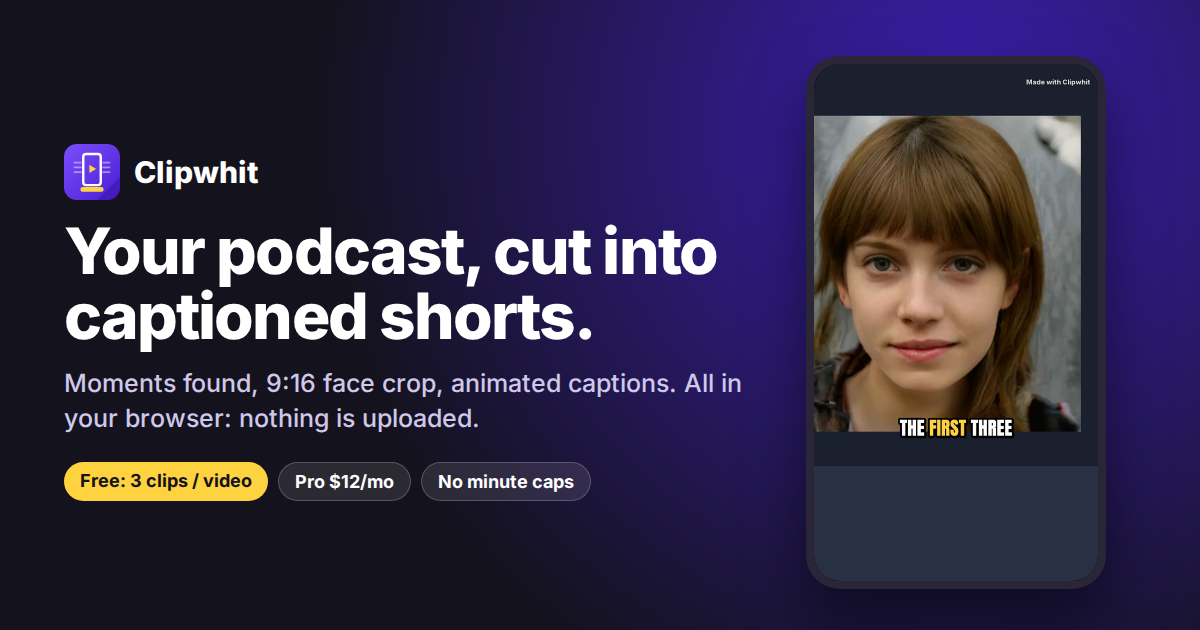
Clipwhit transcribes an episode with Whisper in the browser, scores moments by hook strength, crops to vertical 9:16 with face tracking and burns in animated captions, then exports MP4 clips plus SRT and a ZIP. Processing is local, so the recording is never uploaded. Free for 3 clips; Pro is $12/month (unlimited clips, no watermark). Made by CyberMax.
Key Features
- Browser-based processing
- No file upload required
- 9:16 vertical video format
- Automatic captioning
- Podcast to shorts conversion
Who is using Clipwhit
Podcasters and video podcasters turning episodes into Shorts, Reels and TikToks.
- Podcasters repurposing episodes into social clips
- Content creators expanding reach on short-form platforms
- Audio-first creators entering video distribution
Clipwhit Pricing
Free
Free
Pricing details may change. Check the official website for the latest information.
What makes Clipwhit unique
Clipwhit operates entirely in the browser without requiring file uploads, which differentiates it from cloud-based clipping tools that store content on external servers. This approach prioritizes privacy and speed by processing content locally.
Clipwhit Alternatives
OpusClip, Descript, Riverside, ClipCut, Choppity
Reviews & Ratings
★★★★★ 0.0 • (0)Share Your Experience
No Reviews Yet
Be the first to share your experience with this tool