
What is StreamYard
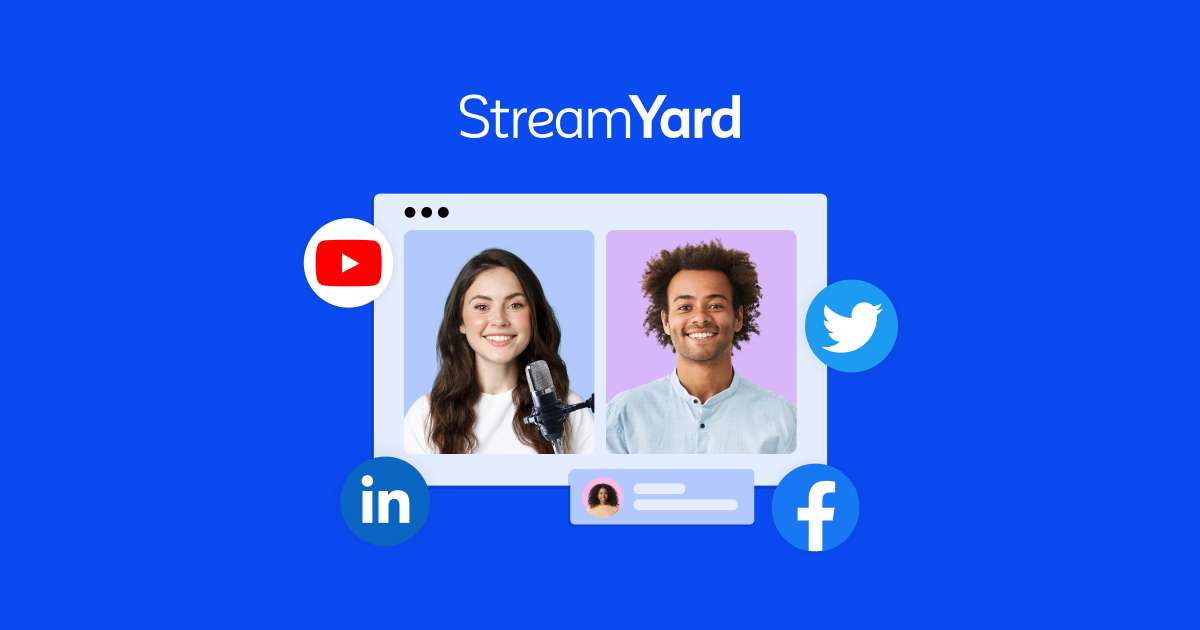
StreamYard is a professional live streaming and recording studio that runs entirely in your browser. It enables creators, podcasters, marketers, and businesses to go live on multiple platforms simultaneously — including Facebook, YouTube, Instagram, LinkedIn, X (Twitter), and Twitch — while also recording high-quality local audio and video files per participant. Guests can join via a simple link from any browser or phone without needing to install any software, making remote interviews and panel recordings straightforward.
Beyond live streaming, StreamYard doubles as a podcast recording platform. Each participant’s audio and video is recorded locally on their own device and automatically uploaded at the end of the session, ensuring clean, separate tracks even when internet connections are unstable. Paid plans unlock 1080p and 4K local recordings, unlimited streaming hours, custom branding (logos, overlays, backgrounds, lower thirds), AI-generated clips for social media repurposing, and a virtual greenroom where hosts can prepare guests before going live.
StreamYard also offers an On-Air webinar feature for hosting registration-gated events embeddable on your own website, as well as team collaboration tools with role-based permissions and multi-seat access on Business plans. After being acquired by Bending Spoons in April 2024, StreamYard restructured its pricing tiers in August 2024, replacing legacy plans with Free, Core, Advanced, Teams, Business, and Enterprise options.
Key Features
- Multistreaming to Facebook, YouTube, Instagram, LinkedIn, X (Twitter), Twitch, and custom RTMP destinations simultaneously
- Local per-participant recording (separate audio and video files per device) with WAV audio output
- Custom branding: logos, overlays, backgrounds, lower thirds, and intro/outro videos
- Virtual greenroom for guest preparation before going live
- On-Air webinar hosting with registration pages, embeddable on your website
- AI-generated short-form clips for social media repurposing (paid plans)
- Live audience comment display and interaction tools on screen
Why we like it
- Browser-based studio with no software download needed for hosts or guests — praised by reviewers for dramatically lowering the barrier to professional-looking live shows
- Local per-device recording protects audio and video quality even on unstable connections, a feature repeatedly cited by podcasters as a key reason to choose StreamYard
- Rated #1 live stream software on G2, with millions of users across creator, business, and education segments
Pros & Cons
Pros
- Reviewers consistently praise its ease of use — guests join via a link with no software download required
- Highly stable recordings: local per-device recording means poor internet connections don't ruin audio or video quality
- Strong branding flexibility — Capterra reviewers noted impressive customisation options for overlays, logos, and live comment styling
- Generous free plan with 20 hours of cloud recording and access to the full studio interface for testing
Cons
- Significant price increase in August 2024 (from $25/mo to $44.99/mo for the entry paid tier) drew widespread criticism from existing users
- No built-in analytics — users must check performance stats directly on YouTube, Facebook, or other streaming platforms
- Customer support quality has declined post-acquisition, with multiple Capterra and Software Advice reviewers citing unresponsive or automated support
Who is using StreamYard
Podcasters, live streamers, content marketers, and businesses who want a stable, browser-based studio for simultaneous multi-platform broadcasting and high-quality remote guest recording without complex software setup.
- Podcasters recording remote interviews with guests who need a no-download, browser-based experience
- Content creators and social media teams multistreaming live shows to multiple platforms at once
- Businesses and marketers hosting branded webinars and all-hands events via StreamYard On-Air
- Educators and coaches recording lectures or panel discussions for later repurposing
- Entrepreneurs and solo creators building audience through live video without complex technical setup
StreamYard Pricing
Freemium
Free (with StreamYard watermark, 1 streaming destination, 2 hrs/mo local recording); Core $44.99/mo ($35.99/mo billed annually); Advanced $88.99/mo ($68.99/mo billed annually); Business $299/mo ($249/mo billed annually); Enterprise — contact for pricing. Annual billing saves ~22%. Pricing restructured August 2024.
Pricing details may change. Check the official website for the latest information.
What makes StreamYard unique
StreamYard's primary differentiator is its combination of live-first multistreaming and podcast-quality local recording in a single browser-based tool — no desktop software required. Unlike dedicated podcast recorders such as Riverside (which focuses on uncompressed per-track recording with monthly hour caps), StreamYard emphasises live-first workflows: automatic multistreaming, real-time audience comment display, and quick content repurposing via AI clips, all accessible on every plan including the free tier. Its virtual greenroom, On-Air webinar embedding, and team-space features also make it more suited to business and event use cases than most podcast-only recording tools.
StreamYard Alternatives
Riverside.fm, Restream, Wirecast, vMix, Ecamm Live
Reviews & Ratings
★★★★★ 0.0 • (0)Share Your Experience
No Reviews Yet
Be the first to share your experience with this tool