
What is GetYouTubeTranscript
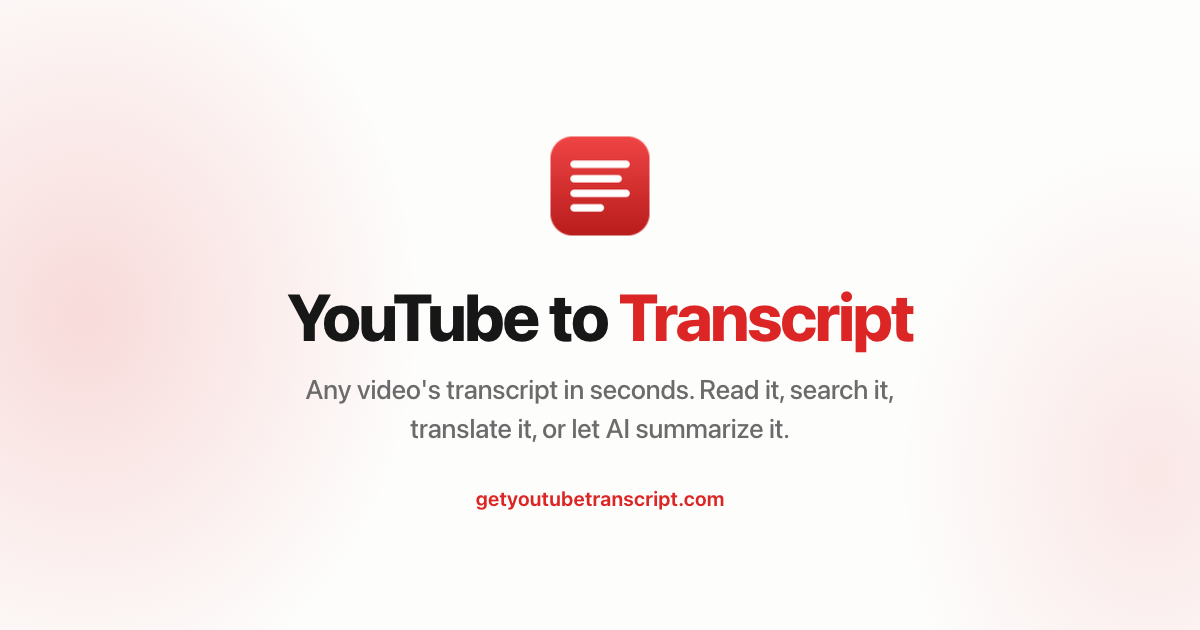
GetYouTubeTranscript reads the captions a YouTube video already has and returns the full timestamped transcript in about a second, for regular videos, Shorts and live replays. Podcasters who publish on YouTube use it to pull an episode transcript, export it as TXT, SRT, VTT, JSON, Markdown or CSV, and turn it into show notes, summaries or blog posts with the built-in AI tools. There is also a REST API and an MCP server for automating this across a back catalogue. New accounts get 100 free credits; paid plans start at $5/month.
Key Features
- Instant YouTube transcript extraction via URL paste — no sign-up required
- Chrome extension with in-page transcript display and AI chat
- REST API with transcripts, timestamps, multi-language support, and machine translation
- Remote MCP server for AI assistants (Claude, ChatGPT, Cursor, etc.)
- YouTube search, channel uploads, playlists, and video metadata endpoints
- SDKs for Python, Node.js, LangChain, LlamaIndex, Haystack, CrewAI, and more
- AI-powered video summarisation and translation
Why we like it
- No-friction start: paste a YouTube URL and get a transcript instantly, no account needed
- Developer-ready with SDKs for Python, Node.js, LangChain, LlamaIndex, and a remote MCP server for AI assistants
- Credit-based fairness: you are never charged for failed or unavailable video requests
Pros & Cons
Pros
- Free to try with no sign-up required and 100 free API credits on account creation
- Failed requests (private videos, missing captions) are never charged
- Broad integration ecosystem: n8n, Activepieces, Zapier, Make, Dify, and major AI frameworks
- Fast response times — ~800 ms first fetch, ~4 ms for cached results per official docs
Cons
- Only works for videos that already have captions; caption errors carry over into the transcript
- Chrome extension limited to one video at a time and only .txt download format
- Extremely long videos may have limitations on the free tier
Who is using GetYouTubeTranscript
Podcasters and producers who publish episodes on YouTube and need transcripts, subtitle files or show notes without re-listening.
- Podcasters and content creators repurposing video episodes into blog posts or show notes
- Developers and AI builders integrating YouTube transcript data into apps and agents
- Researchers and marketers analysing competitor or industry videos for key messages
- Students extracting and searching lecture transcripts for study notes
- AI assistant users (Claude, ChatGPT, Cursor) reading and summarising YouTube videos directly
GetYouTubeTranscript Pricing
Freemium
Free: 3 transcripts/day without account, 100 credits on free account (no card); Monthly: $5/mo for 1,000 credits; Annual: $4.50/mo ($54/year) for 12,000 credits; Starter (API): $19/mo for 7,500 credits; top-ups from $1.50–$2.50 per 1,000 credits depending on plan. Lifetime deal (limited): $149 one-time for 3,000 credits/month.
Pricing details may change. Check the official website for the latest information.
What makes GetYouTubeTranscript unique
Unlike general-purpose scrapers or the open-source youtube-transcript-api library (which breaks when deployed to cloud IPs), GetYouTubeTranscript operates as a managed API service that routes requests through its own infrastructure, so callers avoid YouTube's cloud-IP blocks without managing proxies. It also bundles a remote MCP server, making it one of the few YouTube transcript services natively accessible to AI coding assistants and LLM frameworks out of the box. Competitors identified include YoutubeToTranscript, youtube-transcript.io, TranscriptAPI, NoteGPT, and Supadata.
GetYouTubeTranscript Alternatives
YoutubeToTranscript, youtube-transcript.io, TranscriptAPI, NoteGPT, Supadata
Reviews & Ratings
★★★★★ 0.0 • (0)Share Your Experience
No Reviews Yet
Be the first to share your experience with this tool