
What is Dicta for Mac
Dicta for Mac turns audio and video into transcripts with speaker labels, then writes a summary with the AI on your Mac; nothing is uploaded. For podcasters: drag in an episode or paste a YouTube link, fix names with a vocabulary set (guest and show names, one per line), hide filler words with one click without changing the transcript, and use the built-in podcast show notes template. Exports SRT, VTT, Markdown, CSV, JSON, text or PDF, and can watch a folder and transcribe every new file. It can also record remote interviews on Zoom, Teams, Discord and other call apps without a bot joining. Beta, macOS 15 or later on Apple silicon. 15-day free trial with no account, then a one-time purchase (launch price $5.99 for 2 Macs until 1.0). Made by ActionNow, LLC.
Key Features
- Transcribes meetings, recordings, files and links
- Speaker identification (tells speakers apart)
- Writes summaries of transcribed content
- Runs on local models on your Mac, with nothing uploaded
- No bot joins your call
- Connects to the internet only for model downloads, pasted links and update checks
- Tags work as projects (noted in beta 0.1.0-beta.10)
Who is using Dicta for Mac
Solo podcasters and producers who want transcripts, subtitles and show notes without sending raw audio to a cloud service; interview shows that record over Zoom or Discord.
- Transcribing and summarising meetings without a bot joining the call
- Transcribing audio recordings and files
- Transcribing content from pasted links
- Privacy-sensitive transcription kept on your own Mac
Dicta for Mac Pricing
One-time
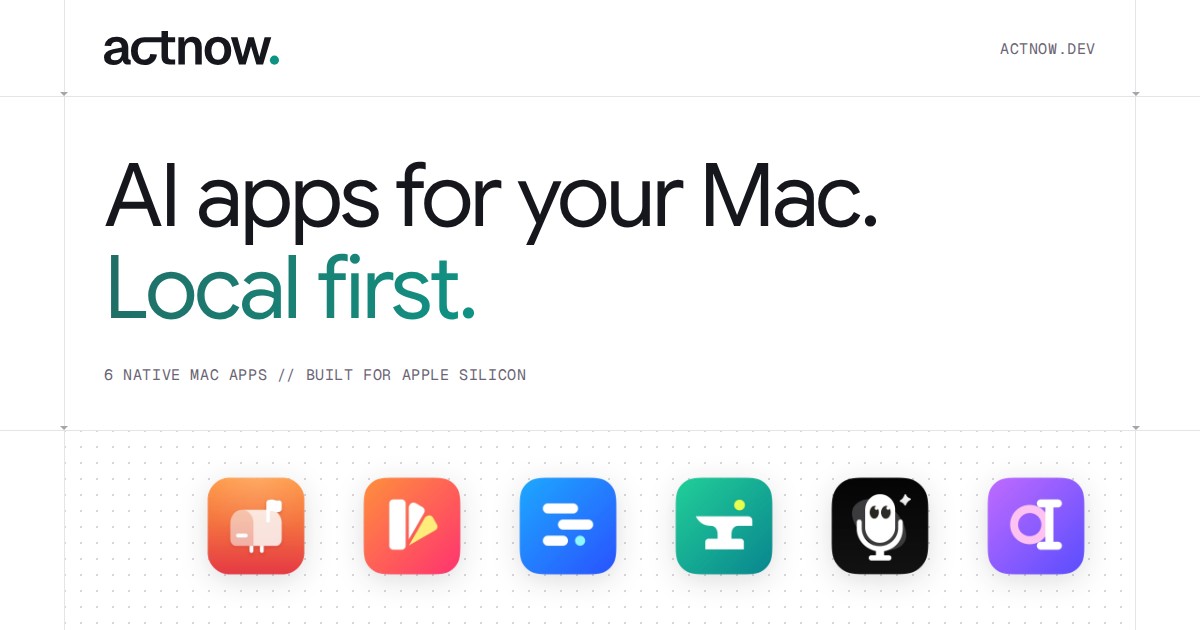
The ActNow homepage lists Dicta as 'From $5.99' (0.1.0 beta, macOS 15+). It says paid ActNow apps are a one-time purchase and open-source ones are free. I did not see the full Dicta pricing page, so tiers are unverified.
Pricing details may change. Check the official website for the latest information.
What makes Dicta for Mac unique
According to the ActNow homepage, Dicta's differentiator is that transcription, speaker separation and summaries all run on local models on an Apple silicon Mac. No meeting bot joins the call and nothing is uploaded. It is sold as a one-time purchase rather than a subscription. Other tools turned up in searches that make similar privacy claims, such as Dictanta (on-device meeting recorder with no bot). I did not find any independent comparison of Dicta against them.
Dicta for Mac Alternatives
MacWhisper, Dictanta, Otter.ai
Reviews & Ratings
★★★★★ 0.0 • (0)Share Your Experience
No Reviews Yet
Be the first to share your experience with this tool