

What is Adobe Firefly Translate Audio
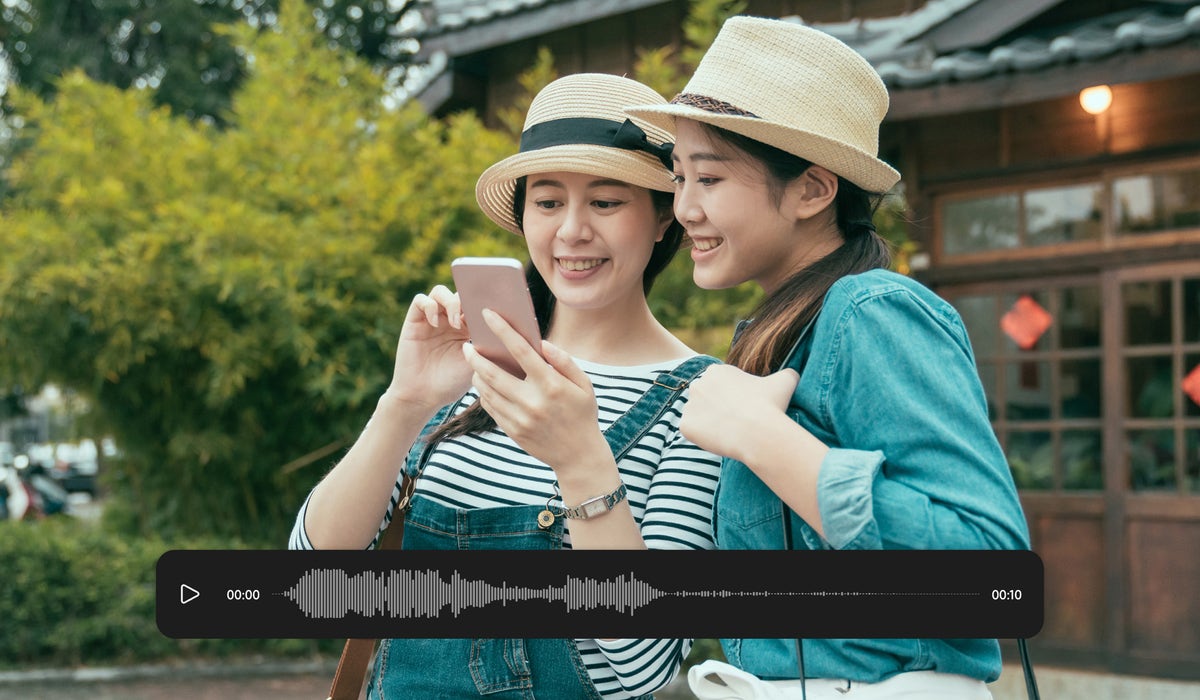
Adobe Firefly Translate Audio is a web-based AI feature within the Adobe Firefly platform that enables creators to translate spoken audio content into over 20 languages without hiring translators or re-recording voice tracks. Users simply upload an audio file (MP3, AAC, or WAV, up to 10 minutes), select up to five target languages, and click Generate — the tool automatically detects the source language and produces a dubbed output that preserves the original speaker’s tone, rhythm, and intent. Translated files are delivered in WAV format and stored in the user’s media queue for up to seven days before permanent deletion.
The feature is designed for podcasters, voiceover artists, educators, and content creators who want to reach global audiences without a multilingual production team. It sits alongside Firefly’s Translate Video module and integrates into the broader Adobe Creative Cloud ecosystem. Adobe Content Credentials are automatically attached to every generated file, transparently indicating that generative AI was used in the creative process. Advanced lip-sync capabilities are available exclusively to enterprise Creative Cloud customers.
Key Features
- Speech-to-speech AI translation preserving original voice tone, cadence, and emotion
- Support for 20+ languages including Spanish, French, Mandarin, Arabic, Hindi, German, Italian, Japanese, Korean, and more
- Translate into up to five target languages simultaneously from a single upload
- Automatic source language detection on upload
- Accepts MP3, AAC, and WAV audio files up to 10 minutes in length
- Adobe Content Credentials automatically attached to all generated dubbed files
- Translated files available for download in WAV format for up to seven days
Why we like it
- Commercially safe AI trained on licensed content — G2 reviewers cite this as a key advantage for professional and client work
- Translate into up to 5 languages at once with automatic source language detection, making global distribution fast and efficient
- Adobe Content Credentials automatically embedded in every output, providing transparent AI provenance for all translated audio
Pros & Cons
Pros
- Commercially safe — trained on licensed and public domain content, giving creators confidence for client and paid projects (G2 reviewers)
- Clean, intuitive interface consistent with Adobe's design standards, with automatic language detection that works reliably (hands-on reviewer at videotranslator.blipcut.com)
- Seamless integration with Adobe Creative Cloud apps including Photoshop, Premiere Pro, and Adobe Express (G2 reviewers)
- No need for a recording studio or multilingual team to produce multilingual audio content (official site / reviewer consensus)
Cons
- Only single-speaker audio is supported — files with multiple speakers taking frequent turns produce undesirable results (Adobe Help FAQ)
- Voice cloning, lip-sync, and transcript editing on the web app are restricted to enterprise plan users; standard users cannot access these features (hands-on reviewer / Adobe Help docs)
- The generative credit system for audio/video translation features can feel restrictive, and existing Creative Cloud subscribers must purchase a separate Firefly plan to access premium translation beyond a small complimentary allowance (G2 reviewers / Adobe Community forum)
Who is using Adobe Firefly Translate Audio
Solo creators, podcasters, marketers, and enterprise content teams who need to quickly localise audio content into multiple languages without a recording studio or multilingual production team, especially those already in the Adobe Creative Cloud ecosystem.
- Podcast creators localising episodes for international audiences
- Voiceover artists and audiobook producers translating narration into multiple languages
- Corporate L&D teams translating training modules and e-learning content
- Social media content creators adapting audio clips for global platforms
- Marketers and agencies producing multilingual campaign audio without studio re-recording
Adobe Firefly Translate Audio Pricing
Freemium
Free Adobe account includes limited complimentary generations (approx. 40 seconds of audio/video translation). Paid Firefly plans required for extended use: Firefly Standard from US$9.99/mo (2,000 credits/mo); Firefly Pro from US$19.99/mo (per Adobe Blog Oct 2025); Firefly Premium at US$199.99/mo regular price. Translate Audio consumes approximately 5 generative credits per second of content. Lip Sync available only on select Creative Cloud enterprise plans.
Pricing details may change. Check the official website for the latest information.
What makes Adobe Firefly Translate Audio unique
Unlike standalone AI dubbing tools, Adobe Firefly Translate Audio is embedded directly within the Adobe Creative Cloud ecosystem, allowing creators to move seamlessly from audio translation into Premiere Pro, Photoshop, or Adobe Express for post-production. It is also one of the few commercially safe AI translation tools — trained on licensed and public domain content — making it suitable for professional and client-facing work. The ability to translate into up to five languages simultaneously from a single upload, combined with automatic Content Credentials tagging for AI transparency, differentiates it from competitors such as Descript, Synthesia, and ElevenLabs.
Adobe Firefly Translate Audio Alternatives
Descript, Synthesia, ElevenLabs, HeyGen, Riverside.fm
Reviews & Ratings
★★★★★ 0.0 • (0)Share Your Experience
No Reviews Yet
Be the first to share your experience with this tool



