
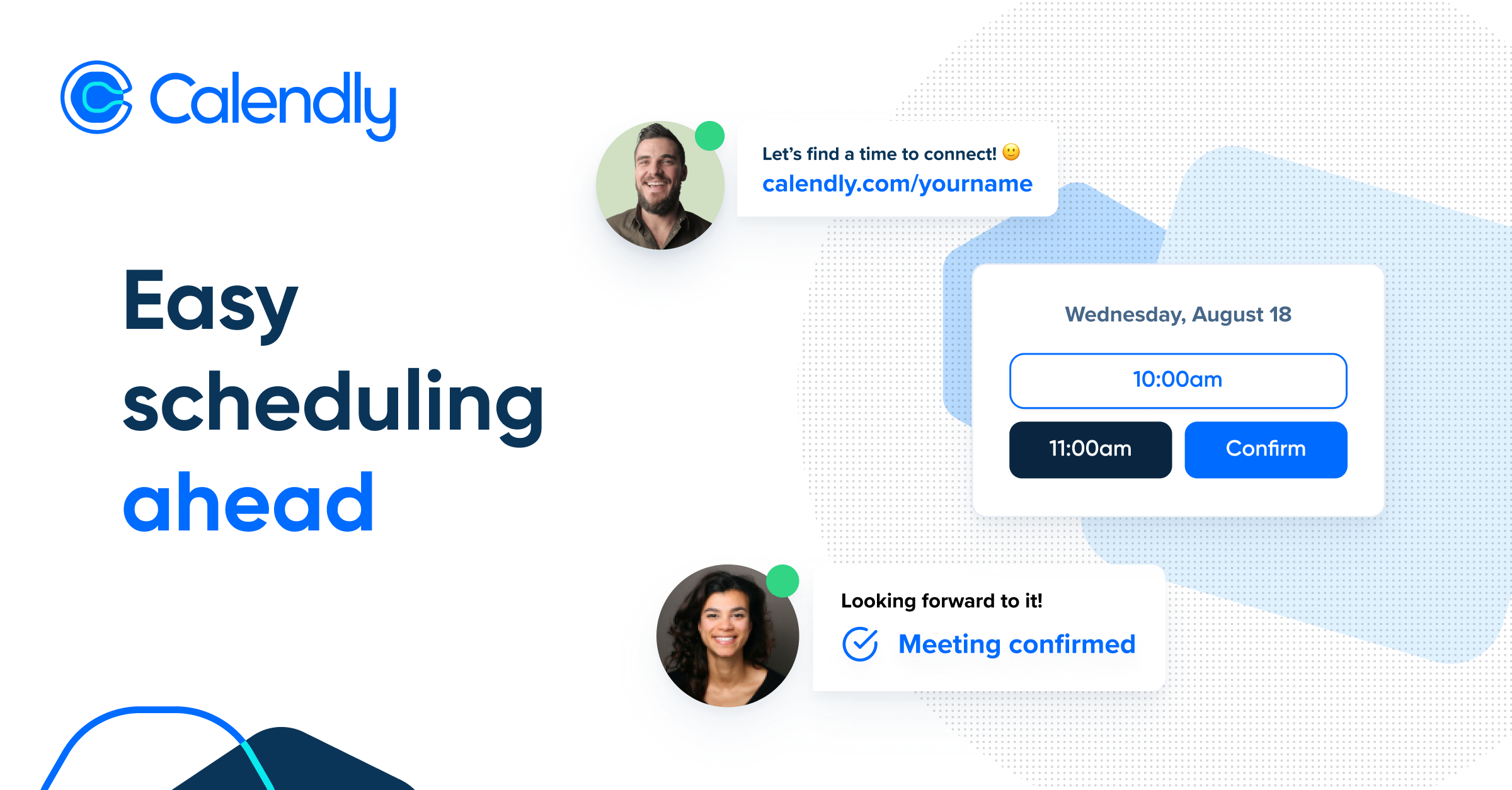

What is Calendly
Calendly is a cloud-based scheduling automation platform that allows users to set their availability preferences, share a personalized booking link, and let invitees self-schedule meetings without any manual coordination. It syncs with up to six calendars (Google, Outlook, Office 365, Exchange) to prevent double-bookings, automatically generates video conferencing links for Zoom, Google Meet, or Microsoft Teams, and sends automated confirmation emails and reminders via its Workflows feature.
For podcasters, Calendly is widely used to streamline guest booking: hosts share a single link, guests pick a time in their own time zone, and the appointment syncs automatically to both parties’ calendars. Custom intake questions can collect guest details such as bio, social handles, or headshot links at the point of booking, removing the need for follow-up emails. Automated pre-interview reminders help reduce no-shows.
Beyond individual use, Calendly supports team scheduling scenarios including Round Robin distribution, Collective events (co-hosted meetings), Group events (one-to-many), and routing forms that direct invitees to the right team member. With over 100 native integrations and thousands more via Zapier, it connects to CRMs, payment processors (Stripe, PayPal), and marketing platforms, making it suitable for individuals, small businesses, and enterprise organisations alike.
Key Features
- Shareable booking page with real-time calendar availability and automatic timezone detection
- Multi-calendar sync (Google, Outlook, Office 365, Exchange) to prevent double-bookings
- Automatic video conferencing link generation for Zoom, Google Meet, and Microsoft Teams
- Automated email and SMS reminders and follow-ups via Calendly Workflows
- Round Robin, Collective, and Group event types for team scheduling
- Embeddable booking widget for websites, landing pages, and emails
- Payment collection at booking via Stripe and PayPal integrations
Why we like it
- Widely adopted by podcasters for frictionless guest booking — shared availability links and timezone detection cut scheduling email chains dramatically
- Consistently rated 4.6–4.7/5 stars on G2 and Capterra across thousands of verified reviews, praised for ease of use and time savings
- 100+ native integrations plus Zapier access to 7,000+ tools makes it a flexible hub in any podcasting or business workflow
Pros & Cons
Pros
- Ease of use consistently praised — reviewers on G2 (171 mentions) and Capterra highlight its intuitive, clean interface that requires minimal setup
- Eliminates back-and-forth scheduling emails; invitees self-book from available slots and receive automatic confirmations
- Seamless calendar integration with Google Calendar, Outlook, and others prevents double-booking without manual checking
- Automatic timezone conversion makes cross-timezone scheduling (e.g. international podcast guests) hassle-free
Cons
- Free plan is very limited — restricted to one event type and one calendar connection, which reviewers on Capterra and G2 describe as too restrictive for real-world use
- Paid plan costs scale per user and can become expensive quickly for growing teams, with advanced features like routing and team scheduling locked behind higher tiers
- Some reviewers report occasional calendar sync issues and integration problems, particularly with Apple/iCloud calendars
Who is using Calendly
Ideal for podcast hosts, freelancers, consultants, and business teams of any size who need to automate meeting and interview scheduling without manual back-and-forth coordination.
- Podcast hosts booking and scheduling interview guests without email back-and-forth
- Freelancers and consultants sharing a booking link for client calls and consultations
- Sales teams scheduling discovery calls and demos with prospects
- Recruiters arranging candidate interviews across time zones
- Small business owners managing client appointments and service bookings
Calendly Pricing
Freemium
Free (1 event type, 1 calendar); Standard ~$10/user/mo (billed annually); Teams ~$16/user/mo (billed annually); Enterprise from $15,000/year. 14-day free trial of Teams plan available.
Pricing details may change. Check the official website for the latest information.
What makes Calendly unique
Calendly differentiates itself from alternatives like Acuity Scheduling, Doodle, TidyCal, and YouCanBookMe through its combination of an indefinite free plan, a broad ecosystem of over 100 native integrations (including Salesforce, HubSpot, Zoom, and Zapier for 7,000+ additional tools), and enterprise-grade features such as lead routing forms, Round Robin scheduling, SSO/SCIM, and audit logs — all within a single platform that scales from solo podcasters to Fortune 100 companies. Competitors like TidyCal offer a one-time payment model, Acuity focuses more on service-business payment flows, and Doodle specialises in group polling, but none match Calendly's breadth of scheduling automation and integration depth at comparable price points.
Calendly Alternatives
Acuity Scheduling, Doodle, TidyCal, YouCanBookMe, Cal.com
Reviews & Ratings
★★★★★ 0.0 • (0)Share Your Experience
No Reviews Yet
Be the first to share your experience with this tool



