
What is Monipix
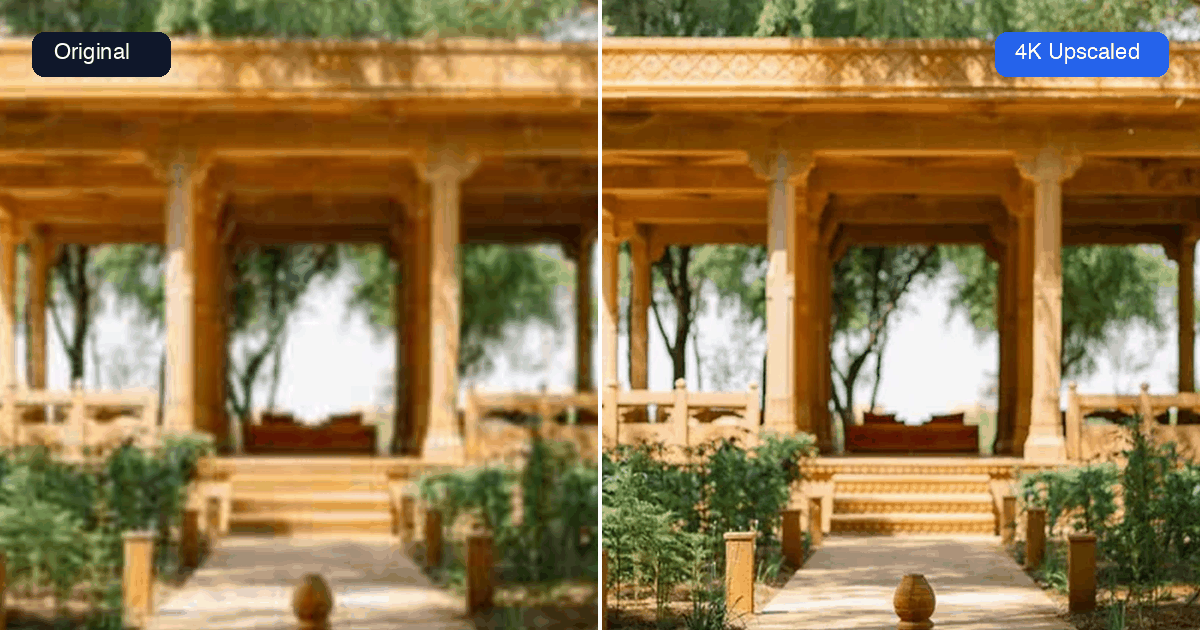
Monipix (https://monipix.com) is an online AI creative workspace built by SailorFlow LLC for enhancing, generating, and transforming images and video in the browser. Its core AI image upscaler enlarges images 2x to 16x up to 4K/8K/16K while restoring fine detail, unblurring, and sharpening edges, alongside text-to-image, image-to-image, and video generation tools.
Key Features
- AI image upscaling 2x to 16x (4K, 8K, 16K output)
- Batch processing of up to 10 images at once
- AI image generation (text-to-image and image-to-image)
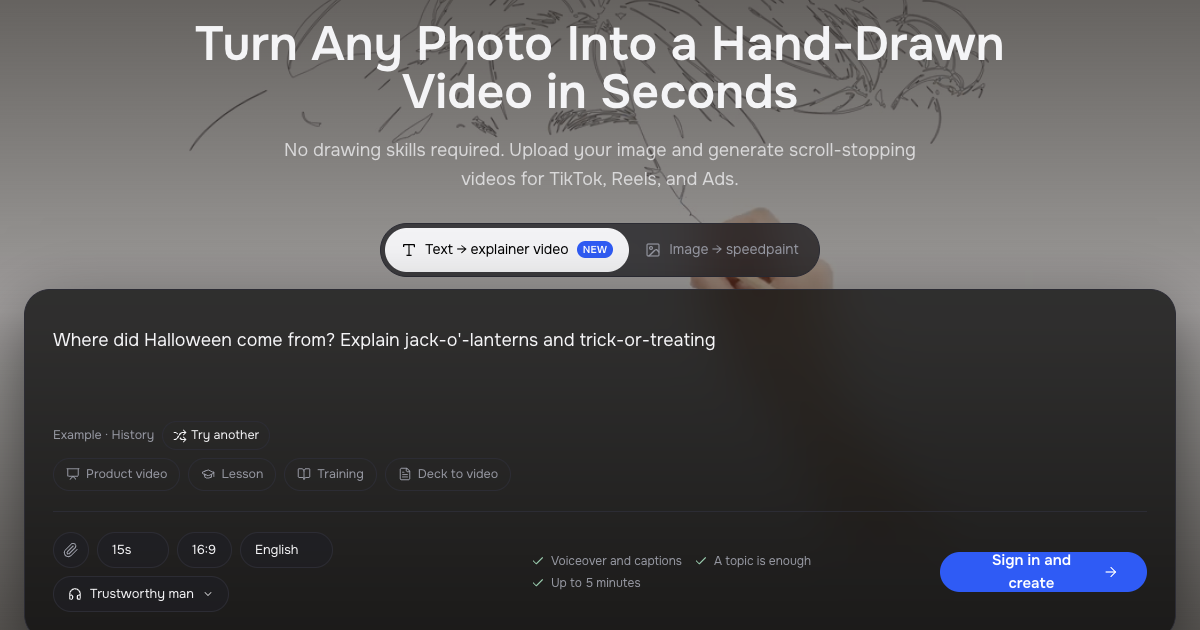
- AI video generation (text-to-video and image-to-video)
- AI Object Remover via natural-language prompts
- In-image text editor (replace, translate, or fix text in photos)
- Canva app integration for upscaling directly within Canva designs
Why we like it
- Generous free tier: 10 credits/month with no watermark and no credit card needed
- All-in-one workspace: upscaling, AI image generation, and AI video generation share one credit balance
- Native Canva app lets users upscale designs without leaving Canva
Pros & Cons
Pros
- 10 free credits per month with no credit card required and no watermark
- Described by a user as 'quick and easy-to-use'
- Restores lost image details and auto-enhances upon upload
- One credit balance covers upscaling, image generation, and video generation in a single workspace
Cons
- 8K and 16K output requires a paid plan (free tier limited to 4K)
- Runs entirely in the browser — no desktop app, no plugin, and no offline version
- Free tier limited to 10 credits per month, which may be insufficient for high-volume users
Who is using Monipix
Monipix (https://monipix.com) is an online AI creative workspace built by SailorFlow LLC for enhancing, generating, and transforming images and video in the browser. Its core AI image upscaler enlarges images 2x to 16x up to 4K/8K/16K while restoring fine detail, unblurring, and sharpening edges, alongside text-to-image, image-to-image, and video generation tools.
- E-commerce sellers cleaning up and enlarging product photos
- Photographers and designers restoring old or damaged scans
- Artists preparing AI-generated images for large-format print
- Social media creators producing high-resolution assets for posts
- Canva users upscaling designs directly within the Canva workflow
Monipix Pricing
Freemium
Free: 10 credits/month, up to 16K upscaling, no credit card required. Starter: $19.90/month (600 credits) or $199/year (7,200 credits). Professional: $39.90/month (1,800 credits) or $399/year (21,600 credits). Premium: $69.90/month (3,600 credits) or $699/year (43,200 credits). Annual plans include unlimited image upscaling windows and grant all credits upfront.
Pricing details may change. Check the official website for the latest information.
What makes Monipix unique
Unlike standalone upscalers such as Topaz Image Web or Let's Enhance, Monipix combines image upscaling (up to 16K), AI image generation (text-to-image and image-to-image), AI video generation, object removal, and in-image text editing under a single shared credit balance in one browser-based workspace. It also ships as a native Canva app, enabling upscaling without leaving Canva, and offers a multilingual interface (English, Spanish, Japanese, Chinese) — differentiators not prominently featured by direct competitors like Deep Image or AI Upscaler.
Monipix Alternatives
Topaz Image Web, Let's Enhance, Deep Image, Upscayl, AI Upscaler
Reviews & Ratings
★★★★★ 0.0 • (0)Share Your Experience
No Reviews Yet
Be the first to share your experience with this tool