
What is quso.ai
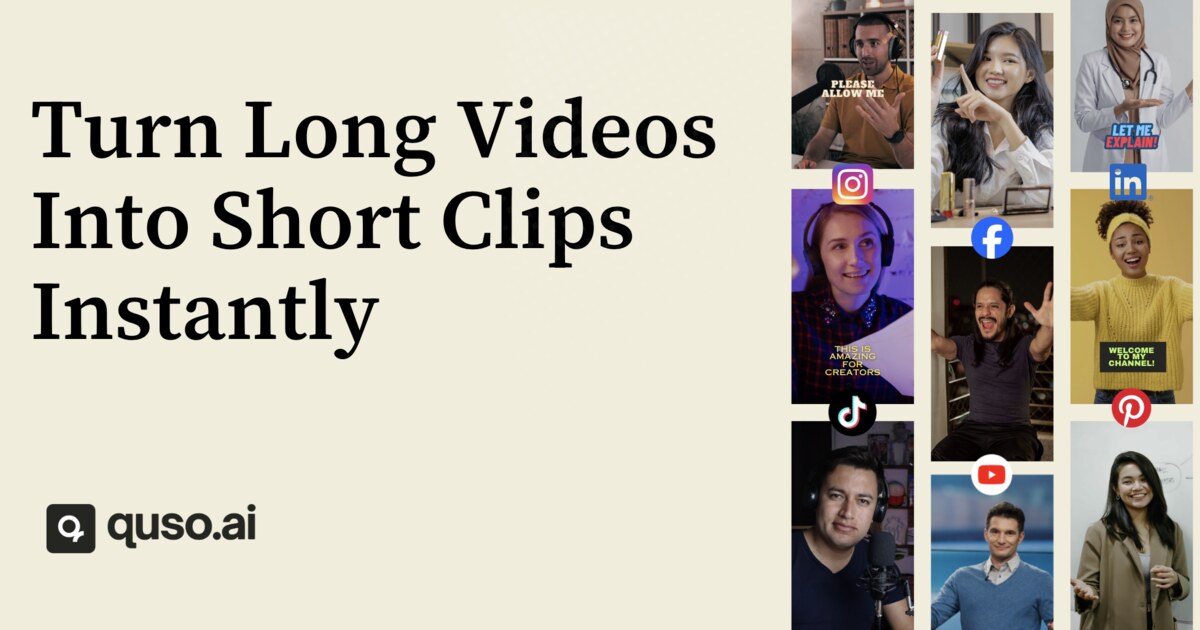
quso.ai (formerly vidyo.ai) is an all-in-one AI social media content suite that enables coaches, podcasters, educators, and business owners to repurpose long-form videos into viral short clips, schedule content to 7 social platforms, and create AI avatar videos. Its proprietary AI clipping engine (CutMagic + Intelliclips) automatically identifies the highest-engagement moments in a long video or podcast episode and exports them as platform-optimised short clips with auto-captions, B-roll, background music, and aspect ratio conversion for 16:9, 9:16, and 1:1 simultaneously.
For podcasters specifically, quso.ai automatically clips long episodes into short-form highlights, generates captions, resizes video for each platform, generates AI show notes with titles, timestamps, and bullet-point highlights, and lets users schedule posts directly to TikTok, Instagram, YouTube, LinkedIn, Facebook, Pinterest, and X — all from one dashboard. The platform also includes an AI Filler and Silence Remover that strips out filler words and dead pauses, a text-to-video generator, and 80+ AI avatars for faceless content creation.
Trusted by over 4 million creators worldwide, quso.ai positions itself as a replacement for multiple single-purpose tools such as OpusClip (clipping), Hootsuite (scheduling), and Descript (editing), consolidating the entire post-production and distribution workflow into one subscription.
Key Features
- AI Clips Generator (CutMagic + Intelliclips) — auto-detects high-engagement moments and exports platform-optimised short clips
- AI Captions & Subtitles — animated, styled auto-captions in 20+ languages with custom font, colour, and emoji controls
- AI Filler & Silence Removal — one-click removal of 'umms', 'uhhs', and dead pauses
- Multi-platform scheduling — 1-click scheduling to TikTok, Instagram, YouTube, LinkedIn, Facebook, Pinterest, and X
- AI Show Notes Generator — produces titles, descriptions, chapters with timestamps, and bullet-point highlights for podcast episodes
- 80+ AI Avatars (AI Influencer) — create faceless avatar-driven videos from a script without a camera or crew
- Royalty-free B-roll library — integrated stock images, videos, and audio for enriching clips
Why we like it
- Podcast-to-clips pipeline: upload one 60-minute episode and extract 10–15 platform-ready short clips with captions and B-roll in under 30 minutes
- Replaces a $451/month stack of separate tools (OpusClip, Hootsuite, Descript, Repurpose.io, Podsqueeze) for $49/month
- Rated 4.8/5 on G2 and used by 4M+ creators — with real podcasters citing dramatic reductions in editing time and content production costs
Pros & Cons
Pros
- Saves significant editing time — reviewers report completing tasks in under 30 minutes that previously took 2+ hours
- All-in-one workflow replaces multiple tools (clipping, captioning, scheduling) under one subscription
- Free plan available with no credit card required, including AI clips, captions, and TikTok publishing
- Highly rated at 4.8/5 on G2 and praised for an intuitive, beginner-friendly interface
Cons
- Free plan's 75-credit monthly limit is restrictive — creating 5 clips with captions from one video can consume most of the monthly allowance
- AI clip selection is sometimes inaccurate — G2 reviewers noted the AI does not always cut at the most relevant moments
- Customer support has received mixed reviews, with users reporting delays in response times and inconsistent solution quality
Who is using quso.ai
Coaches, podcasters, educators, and social-first business owners who need to turn one piece of long-form content into a week's worth of platform-optimised social posts without a dedicated content team.
- Podcasters repurposing long episodes into short social clips for TikTok, Reels, and YouTube Shorts
- Business coaches and solopreneurs maintaining a consistent daily posting cadence across LinkedIn, TikTok, Instagram, and YouTube
- Social media managers and agencies managing multiple client brands with bulk publishing and branded templates
- Video content creators automating captioning, B-roll insertion, and multi-platform resizing
- Educators and non-profits creating professional-quality video content without design or editing skills
quso.ai Pricing
Freemium
Free plan: $0/month — 75 credits/month, 720p exports, AI clips & captions, TikTok publishing, no watermark. Lite: $19/month (or ~$15/month billed annually) — 1080p exports, AI tools, video resizing. Essential: $39/month (or ~$20/month billed annually) — 300 credits, 10+ premium AI tools, AI Influencer, AI Writer, AI Content Planner, 1-click scheduling to 7 platforms. Growth: $49/month (or ~$25/month billed annually) — 600–1,800 credits, unlimited scheduling, bulk publishing, advanced analytics, Brand Kit, custom templates, priority support.
Pricing details may change. Check the official website for the latest information.
What makes quso.ai unique
Unlike single-purpose clipping tools such as OpusClip or scheduling tools such as Hootsuite, quso.ai combines a proprietary AI clipping engine (CutMagic + Intelliclips), AI filler-word removal, AI avatar video creation (80+ avatars), AI show-notes and blog generation, and 7-platform social scheduling all under one subscription starting at $15/month annually. Competitors identified in reviews include OpusClip, Descript, Hootsuite, Repurpose.io, Podsqueeze, Podcastle, Veed.io, CapCut, and Buffer — none of which offer the full creation-to-scheduling pipeline in a single tool at a comparable price point.
quso.ai Alternatives
OpusClip, Descript, Repurpose.io, Hootsuite, Podsqueeze
Reviews & Ratings
★★★★★ 0.0 • (0)Share Your Experience
No Reviews Yet
Be the first to share your experience with this tool



