
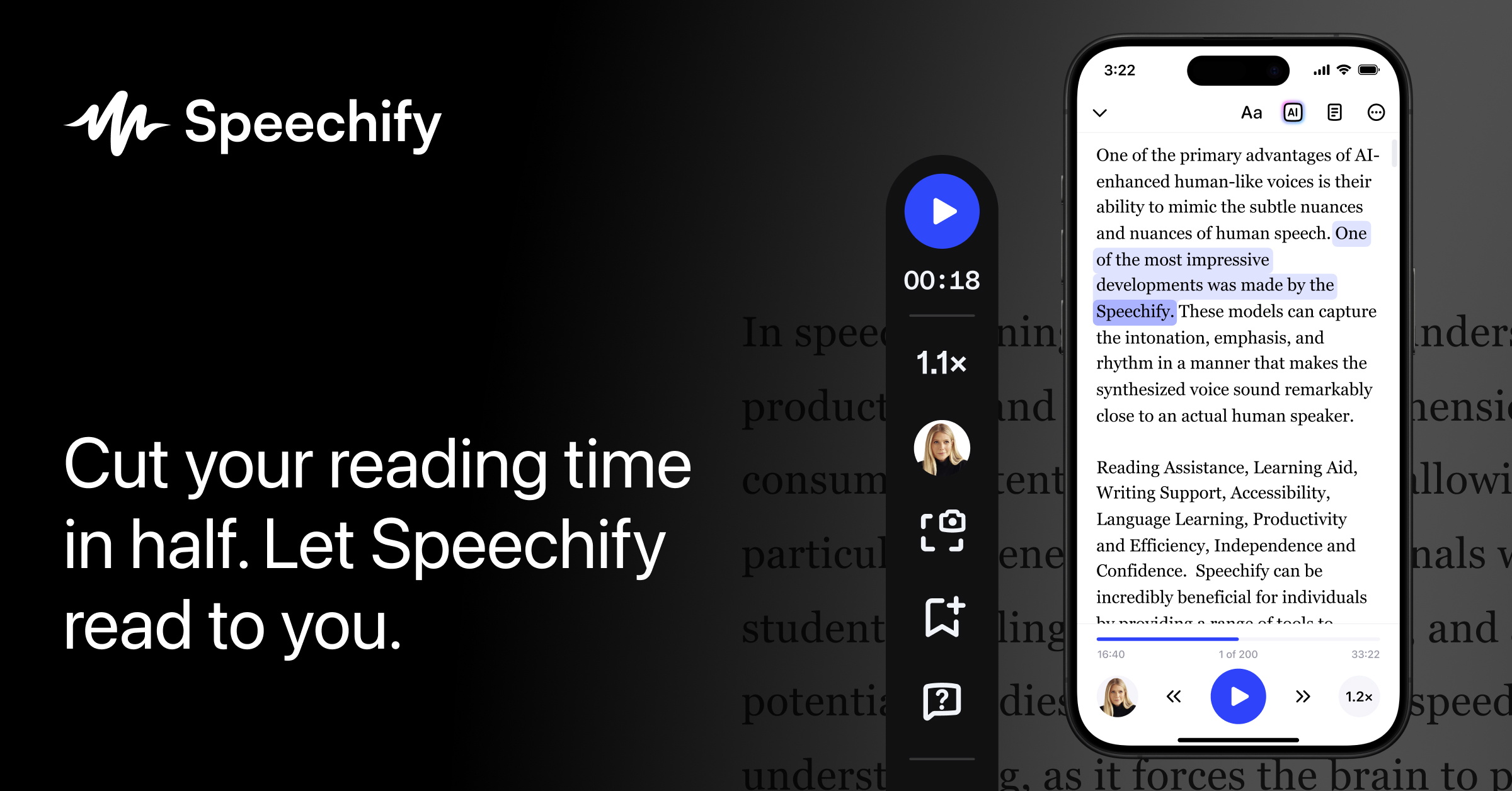
What is Speechify Studio
Speechify Studio is a browser-based AI voice and video creation platform built for content creators, businesses, and educators. It combines an AI voice generator with over 1,000 lifelike voices across 60+ languages, instant voice cloning from a 20-second audio sample, AI dubbing for multilingual video localization, and video transcription — all accessible from a single dashboard without any software installation. The platform supports granular voice customization including pitch, speed, pauses, pronunciation, and 13 distinct emotional tones, and allows export of finished audio as MP3, OGG, or WAV files with commercial rights on paid plans.
Designed with a zero-learning-curve interface, Speechify Studio targets podcast producers, YouTube creators, e-learning developers, and marketing teams who want to generate professional-quality voiceovers without hiring voice talent. It also includes AI avatars, a pronunciation library for specialized terminology, royalty-free stock media integration, and a Google Slides voice-over plugin. The platform is distinct from Speechify’s text-to-speech reader app — Studio is specifically for creating and exporting audio content rather than personal listening.
Reviewers on G2 praise its natural-sounding voices, fast voiceover generation, and powerful voice cloning feature, while critics note that the credit-based pricing model can feel restrictive for high-volume producers, and that AI voices occasionally lack the emotional nuance of a professional human narrator. The timeline editor has also been described as too lightweight for advanced audio production workflows.
Key Features
- AI voice cloning from a 20-second audio sample, producing a lifelike digital voice replica
- 1,000+ AI voices in 60+ languages with regional dialects, accents, and 13 emotional tones
- AI dubbing: one-click video translation and re-voicing while preserving speaker intonation
- Video transcription in 20+ languages
- Granular voice controls: pitch, speed, pauses, pronunciation library, and per-block text editing
- Export audio as MP3, OGG, or WAV; commercial rights included on paid Studio plans
- AI avatars, royalty-free stock media, and YouTube integration within the Studio dashboard
Why we like it
- Voice cloning in ~30 seconds from a browser — no app or studio equipment needed, praised by reviewers as highly accurate
- 1,000+ AI voices across 60+ languages with 13 emotional tones, making multilingual content production accessible to solo creators
- All-in-one dashboard combining voiceover, dubbing, transcription, and AI avatars — reducing the need for multiple separate tools
Pros & Cons
Pros
- Reviewers on G2 highlight an 'incredibly easy-to-use interface' and highly natural, realistic AI voices that make content creation fast and efficient
- Voice cloning is praised as 'shockingly accurate at capturing all the nuances and style of your real voice' (dhruvirzala.com review)
- Users appreciate the wide language support and fast voiceover generation, saving hours compared to hiring voice actors
- Trustpilot reviewers consistently note positive customer support response times and quick issue resolution
Cons
- G2 reviewers report the monthly word/credit limit feels restrictive even on premium plans, with users bumped to lower-quality voices once the cap is hit
- Reviewers note AI voices can lack emotional nuance and subtlety compared to a professional human narrator, particularly for long-form content like audiobooks
- The timeline editor is described as 'too lightweight for advanced audio production' and the platform can lag when processing large amounts of text (Reedsy review)
Who is using Speechify Studio
Content creators, podcast producers, e-learning developers, and marketing teams who need to generate professional AI voiceovers, clone their voice, or dub videos into multiple languages without hiring voice talent or using a recording studio.
- Podcast producers automating voiceovers, intros, ad reads, and full episodes without recording sessions
- YouTube and social media creators generating narration for videos, Shorts, and TikTok content
- E-learning and course creators adding professional voiceovers to training videos and presentations
- Businesses dubbing marketing videos and ads into multiple languages for global audiences
- Audiobook authors giving unique voices and accents to characters without a recording studio
Speechify Studio Pricing
Freemium
Studio Free: free (600 credits / ~10 min voiceover); Studio Starter: $19/month (7,200 credits / ~2 hrs voiceover, commercial rights); Studio Creator: $49/month (28,800 credits / ~8 hrs voiceover, commercial rights + voice cloning); Enterprise: contact for pricing. Credits are consumed at 1/sec for voiceover, 3/sec for dubbing, 30/sec for avatars. Re-exporting unchanged content does not consume credits.
Pricing details may change. Check the official website for the latest information.
What makes Speechify Studio unique
Speechify Studio differentiates itself from alternatives like Murf AI and ElevenLabs by combining voice cloning, AI dubbing, transcription, AI avatars, and a video editor into a single browser-based dashboard — no software installation required. Its voice cloning requires only a 20-second sample (versus longer recordings on some competitors), and it is backed by the broader Speechify ecosystem including a text-to-speech API, celebrity voices (e.g. Snoop Dogg, Gwyneth Paltrow), and a 2025 Apple Design Award. However, at $49/month for the Creator plan, it is notably more expensive per hour of generation than Murf AI ($19/month) or ElevenLabs ($22/month), according to independent pricing analyses.
Speechify Studio Alternatives
Murf AI, ElevenLabs, Play.ht, Resemble.ai, LOVO AI
Reviews & Ratings
★★★★★ 0.0 • (0)Share Your Experience
No Reviews Yet
Be the first to share your experience with this tool



