What is Done Typing
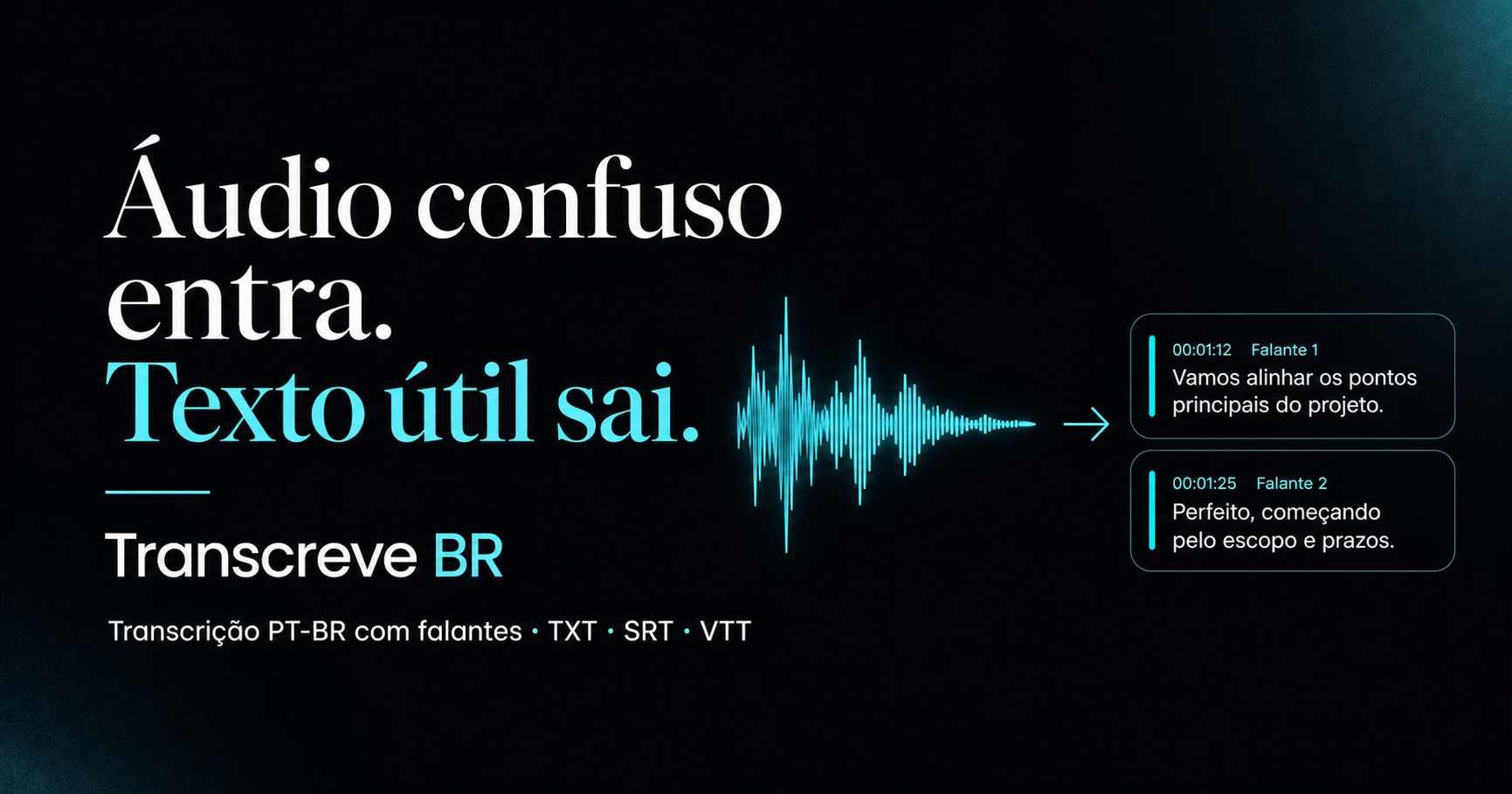
Done Typing turns speech into text in a browser tab, with nothing to install. Live dictation: hit record, speak in any of 50+ languages, and copy the text into email, docs, chat or AI prompts. Clips run up to 30 seconds with no account or 1 minute signed in, and you can record as many as you like. Pro ($9.90/mo) gives 5-minute clips plus Marathon mode for long hands-free sessions. File-to-text tools (https://donetyping.com/tools): drop an MP3, WAV, M4A, AAC, OGG, Opus, FLAC, WebM, MP4 or MOV file (iPhone voice memos and saved WhatsApp voice notes too) and read the transcript. No account: 10-minute files, 10 minutes a day, TXT. Free account: 30-minute files, 60 minutes a month, and every export format (TXT, SRT, VTT, DOCX, JSON, Markdown, PDF). Pro: 3-hour files, up to 50 hours a month. Privacy: live audio is processed to make the transcript and isn’t kept. For files, the browser decodes the file on your device and sends short pieces for transcription; the audio isn’t kept, and the piece text is deleted when the job ends. Works on Mac, Windows, Linux, Chromebooks and locked-down work PCs.
Who is using Done Typing
Podcasters and creators who need quick transcripts of episodes, interviews or voice memos without installing software.
Done Typing Pricing
Freemium
Pricing details may change. Check the official website for the latest information.
Reviews & Ratings
★★★★★ 0.0 • (0)Share Your Experience
No Reviews Yet
Be the first to share your experience with this tool